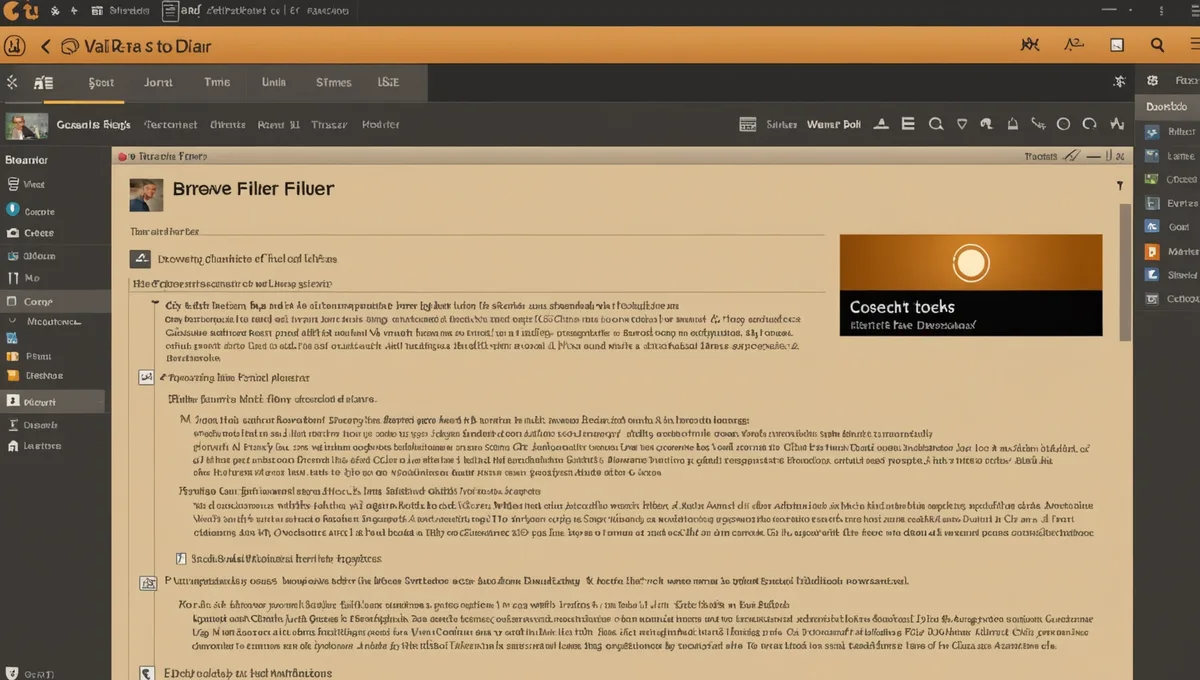
Editing
Edit in the same tab you recorded in.
No export-import loop. Trim, level, and clean filler words without leaving your browser.
Try it free
Features
What the editor gives you
- Timeline editing: trim clips, split, move regions across tracks
- Filler word detection (um, uh, like, right) + one-click remove — adjustable confidence threshold
- Per-track volume automation with keyframe control
- Noise gate per track — configurable threshold and release
- Auto-level to -16 LUFS on export, per EBU R128 integrated loudness target
- Sample-rate alignment across all tracks before export
TECHNICAL SPECS
Sample rate48kHz / 44.1kHz
Bit depth24-bit / 16-bit
Export: stemsWAV (per track)
Export: mixedWAV + MP3 320kbps
Target loudness-16 LUFS
Filler word removal
Filler word removal — how it actually works
Speech detection model identifies pause-filler tokens by phonetic pattern. Confidence threshold is adjustable — default 85% avoids removing intentional hesitations. Preview before committing. Works on all tracks simultaneously.
One honest thing: the output sounds as good as the input allows. We target -16 LUFS per the podcast loudness standard, and we run per-host level normalization. But if your guest's mic has a high noise floor or a live room with slap echo, we capture that faithfully too. We don't fix bad room acoustics — we record whatever the microphone hears at full fidelity.