The equipment barrier to podcasting has effectively disappeared. Modern browsers, combined with intelligent noise processing, can capture audio good enough for professional distribution without any external hardware. Here's how to do it right.
Laptop and phone microphones have improved dramatically over the past few years. Paired with AI noise reduction that runs in real time, the gap between built-in audio and a dedicated USB microphone has narrowed to a point where most listeners can't hear the difference. The microphone you already have is enough to start.
A $200 microphone in a hard-walled kitchen will sound worse than a laptop mic in a carpeted closet. Soft surfaces absorb reflections. Hard surfaces bounce sound around and create the "room sound" that makes amateur recordings feel amateurish. Record in a space with as many soft surfaces as possible -- a closet full of clothes is one of the best-performing recording spaces in any home.
Stay at a consistent distance from your microphone throughout the recording. Moving closer and further creates volume fluctuations that are difficult to correct in post-production. Six to eight inches is typically ideal for built-in laptop microphones -- close enough to pick up detail without breathing directly into the capsule.
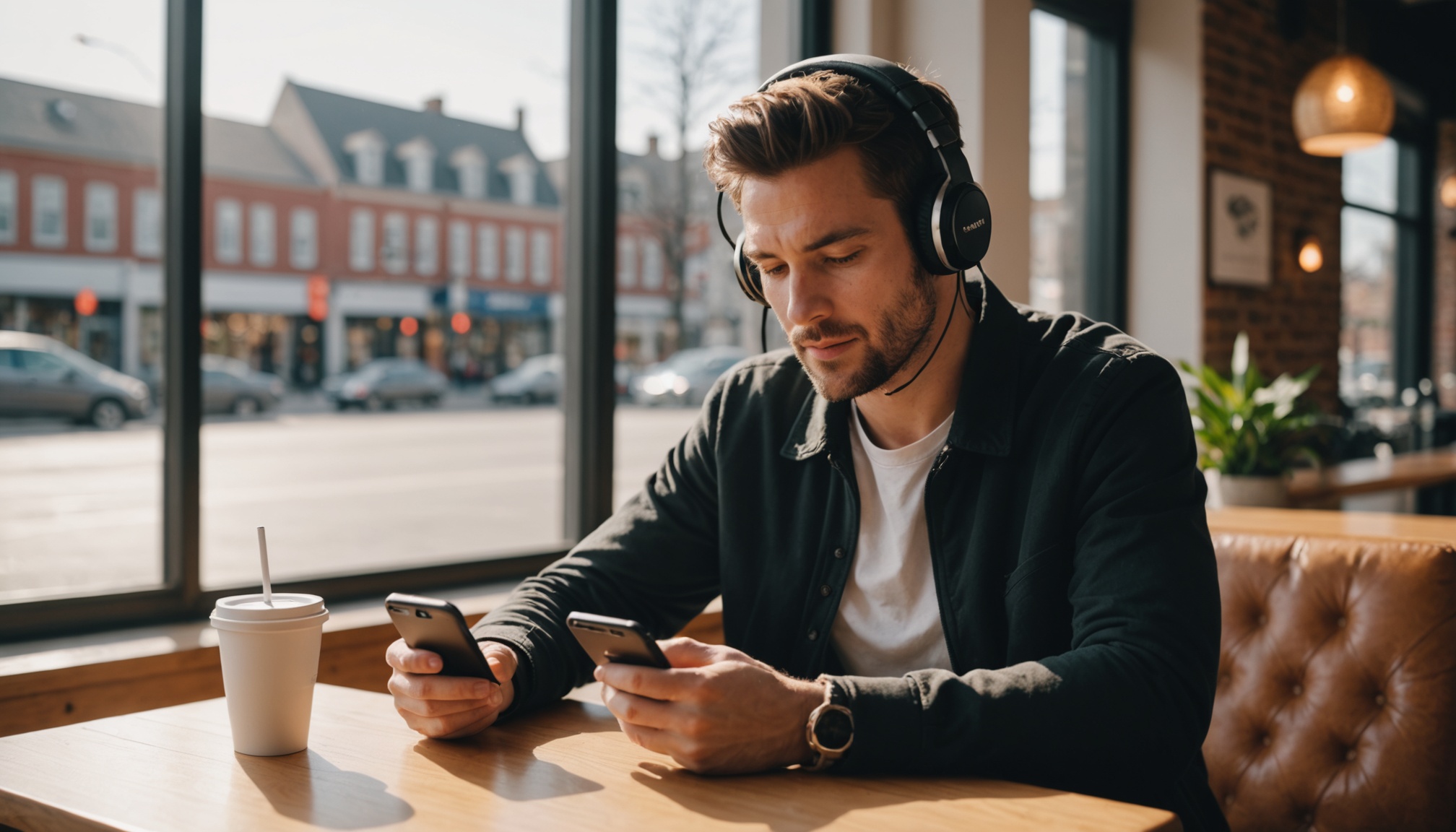
When recording with a guest, both parties should wear headphones. Without headphones, your guest's audio leaks into your microphone (and vice versa), creating a doubled, hollow sound. Any headphones will do -- the ones you use for commuting are fine. The important thing is that speakers are not playing audio into the recording space.
The best-sounding podcast in the world won't matter if you never publish it. Record your first episode with whatever you have today. Sound quality can improve over time -- but only if you start. An imperfect episode that ships is worth ten perfect ones that live in your drafts folder.
Wait until you've published 10 episodes before buying any equipment. By then you'll know whether you actually enjoy the process, you'll understand what your current setup's specific weaknesses are, and you'll have a clearer idea of what you're building. Buying a $250 USB microphone on episode 1 is how people end up with studio gear in a closet three months later.
The upgrade that matters most when you're ready? A dedicated USB microphone (the Audio-Technica ATR2100x-USB around $99 is the standard recommendation) and a simple pop filter. Those two additions will make a noticeable difference. Everything after that is diminishing returns until you're recording in a professionally treated space.
Basic editing in Audacity (free) or GarageBand (free on Mac) is all you need. Remove the long pauses at the start and end, cut obvious mistakes, and export as MP3 at 128kbps. That's a professional-quality workflow. AI tools can now handle noise reduction and silence removal automatically, which means even the technical post-production barrier has largely disappeared for new creators.
If you want a concrete starting point: your laptop's built-in microphone, a blanket draped over your shoulders to reduce reflections, browser-based recording software, and natural light from a window to your side. Total cost: zero. Total setup time: two minutes. That's the setup that will get you from episode zero to episode ten, and episode ten is where the real learning begins.
The creators who succeed aren't the ones who had the best gear at launch. They're the ones who shipped their first episode instead of waiting for everything to be perfect. Your audience doesn't care about your microphone. They care about what you have to say.